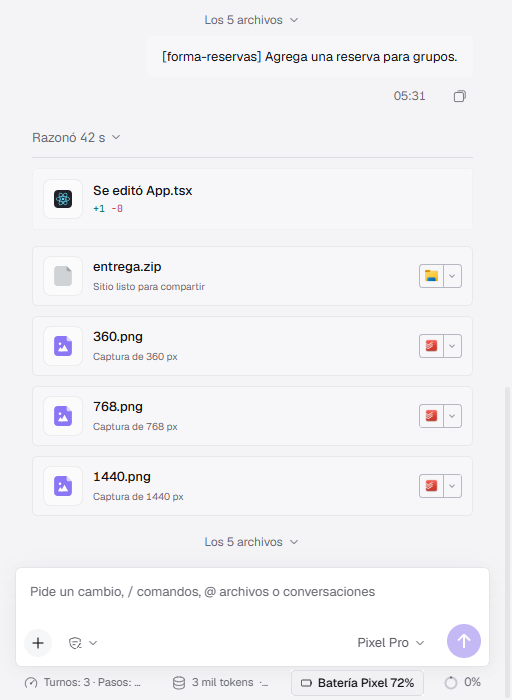
Conversation
Tools in plain sight.
It edits files, reasons and takes screenshots; every step stays in the conversation.
The desktop agent from pixel.ceo. It proposes two directions, builds with live previews at 360, 768 and 1440, runs seven quality checks and hands you a ZIP with screenshots. The app speaks Spanish for now.
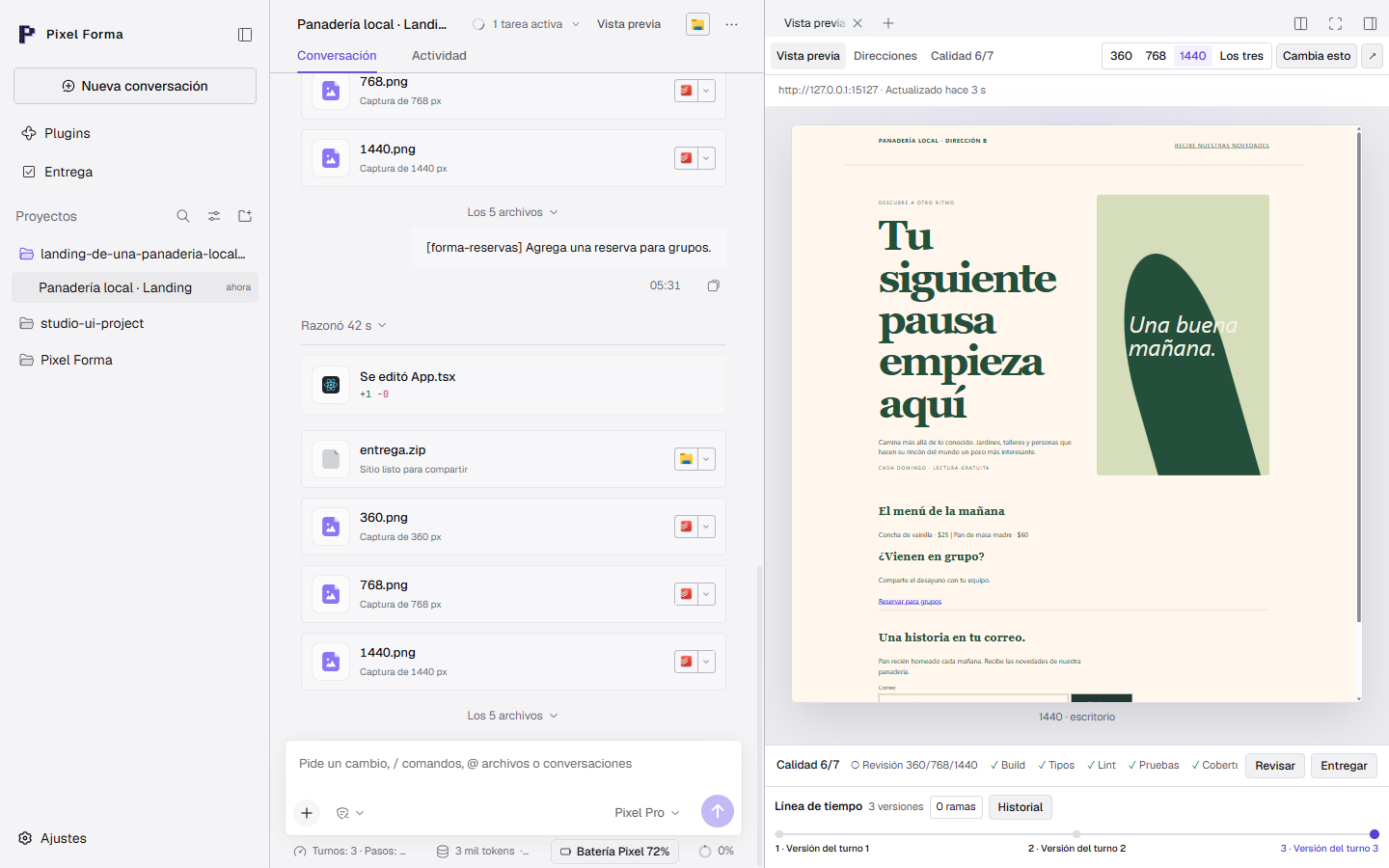
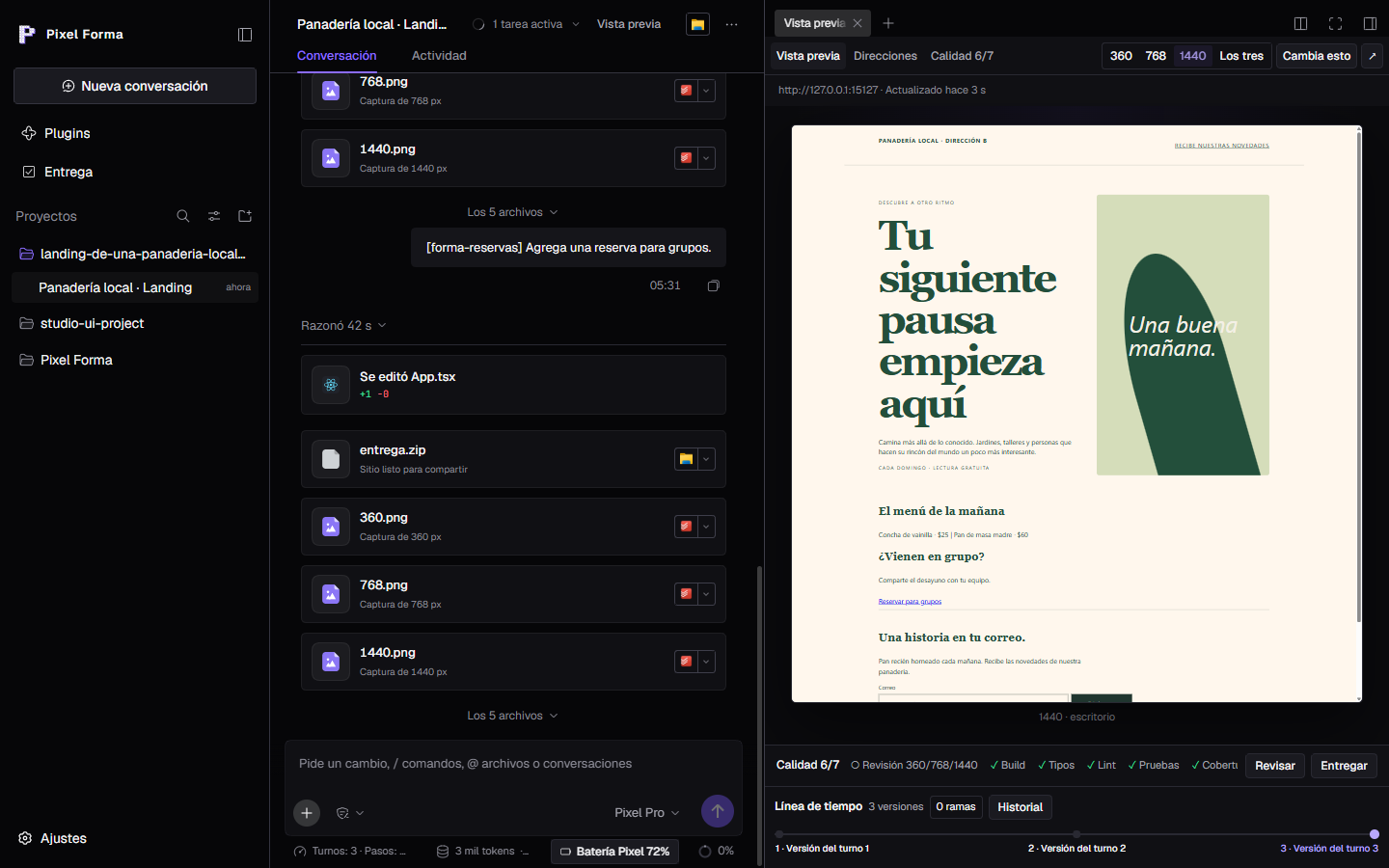
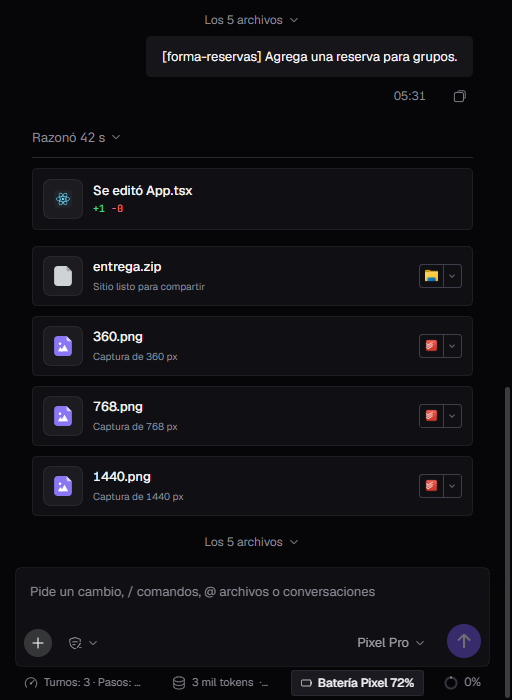
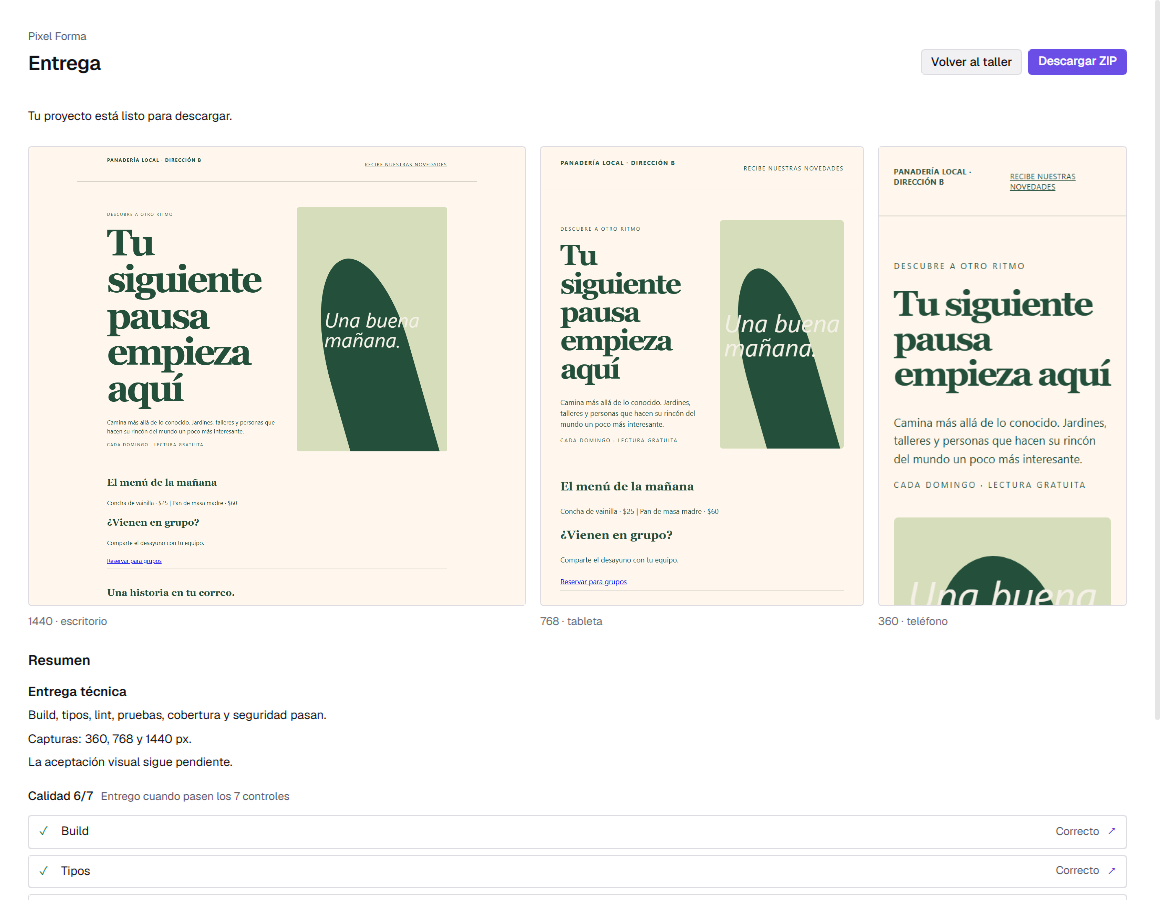
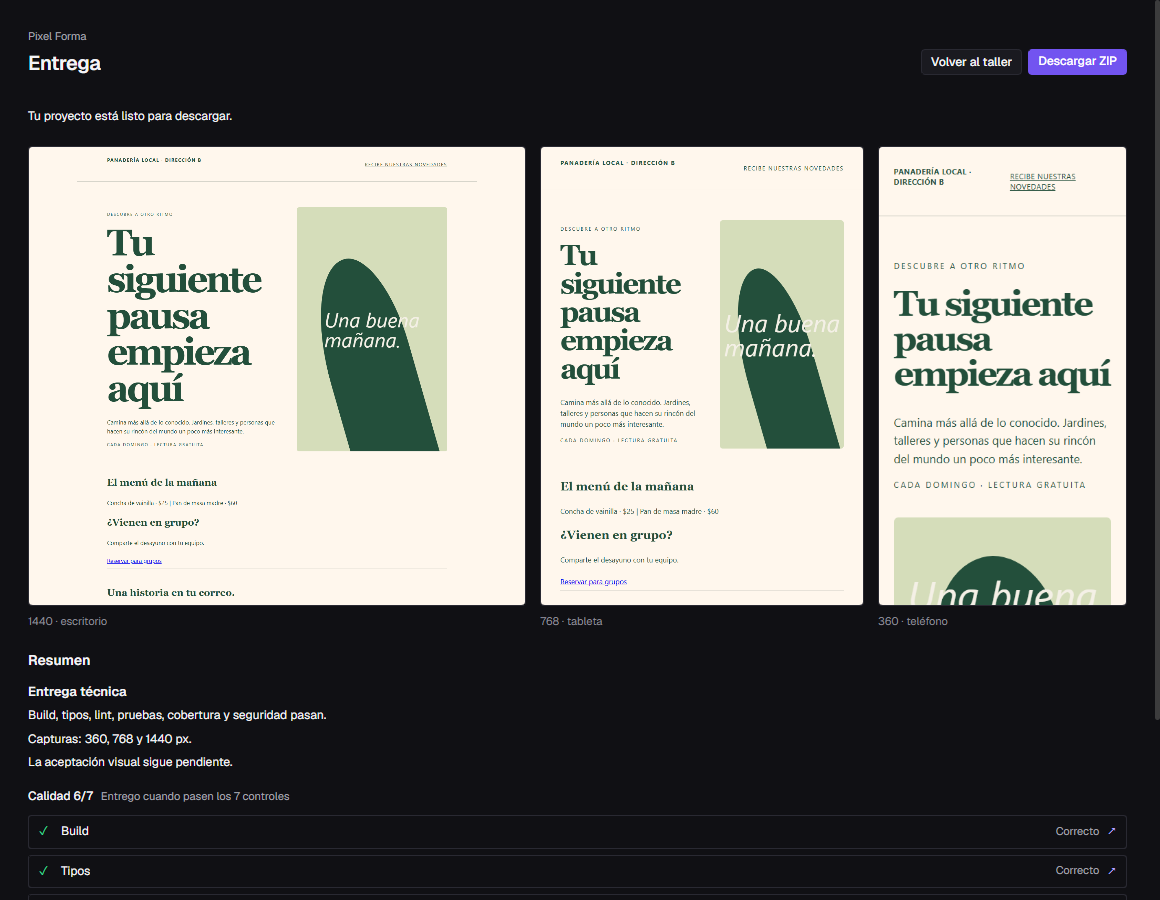
real screenshotPixel Forma 0.1.0 with test data, the same screen in the light and dark themes.
Every step adds voxels to the P. The screens come from the real app with test data.
Write a brief on the Home screen or start from a template: landing page, dashboard or small app. With A/B directions on, Forma prepares two proposals.
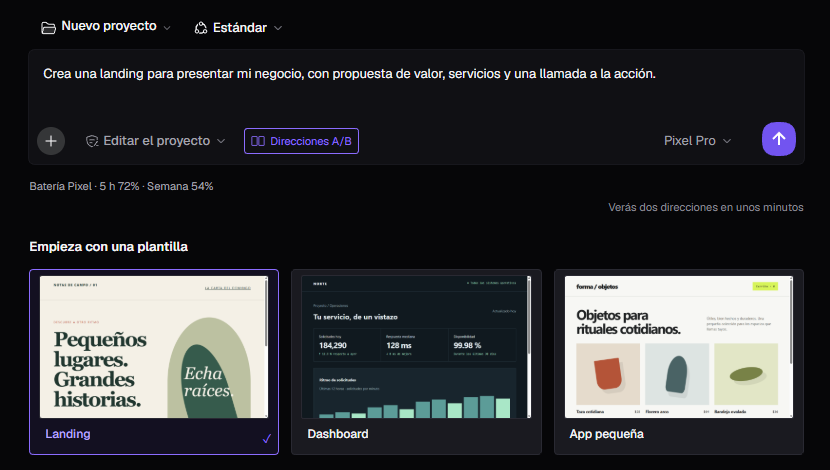
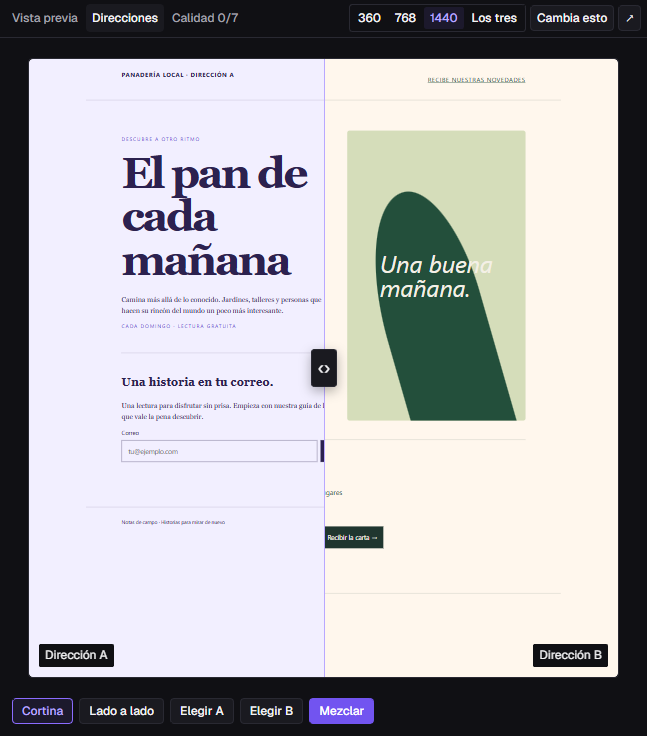
Drag the curtain between A and B or put them side by side. Pick one, or mix the hero, palette, type, buttons and images.
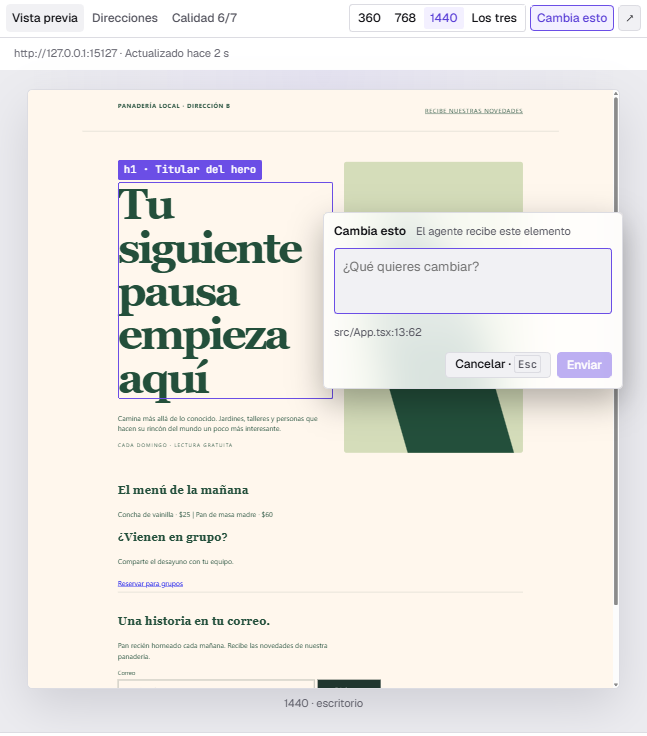
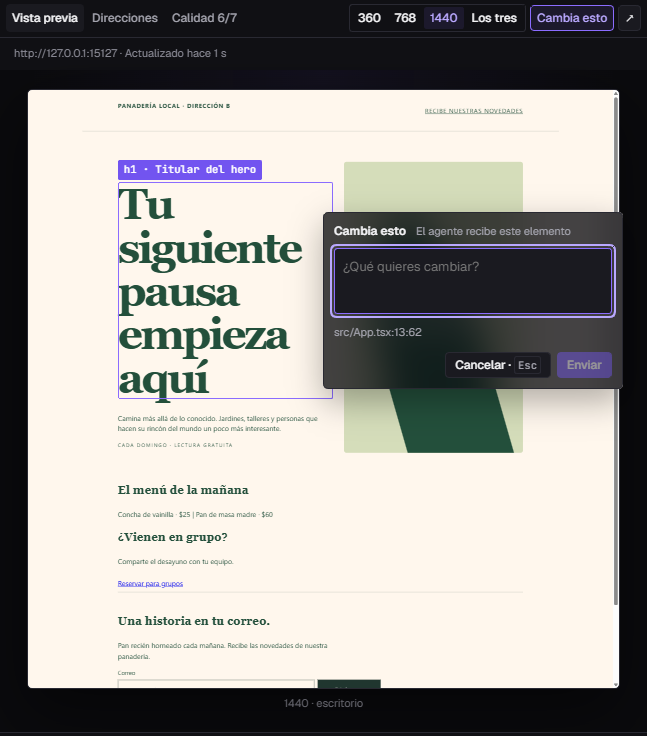
With Change this you pick an element in the preview and write what you want. The agent receives the element and its line of code.
Build, types, lint, tests, coverage and security run as real commands. The visual review at three widths waits for your approval.
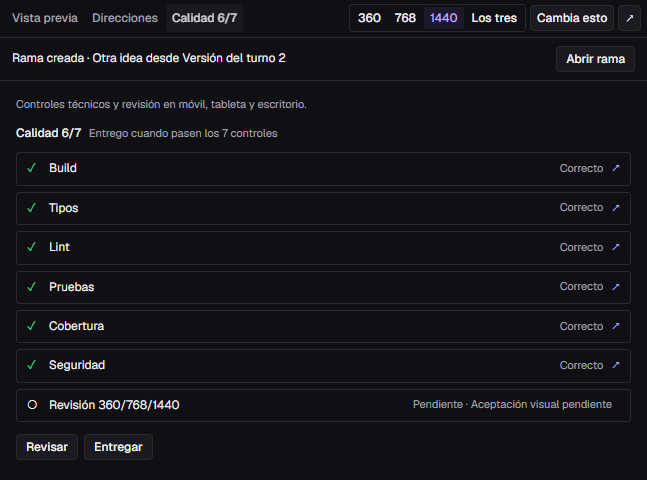
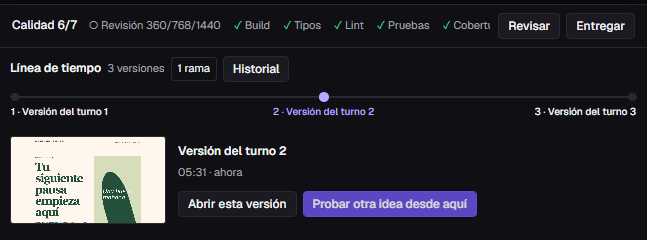
Every turn saves a version with a thumbnail. From any of them, Forma opens a branch in a new conversation and the previous one stays untouched.
The project ready to share, screenshots at 360, 768 and 1440 and a technical summary. The P is complete.
A conversation with tools, plugins, web access with your permission, commands and references, and the model you choose.
It edits files, reasons and takes screenshots; every step stays in the conversation.
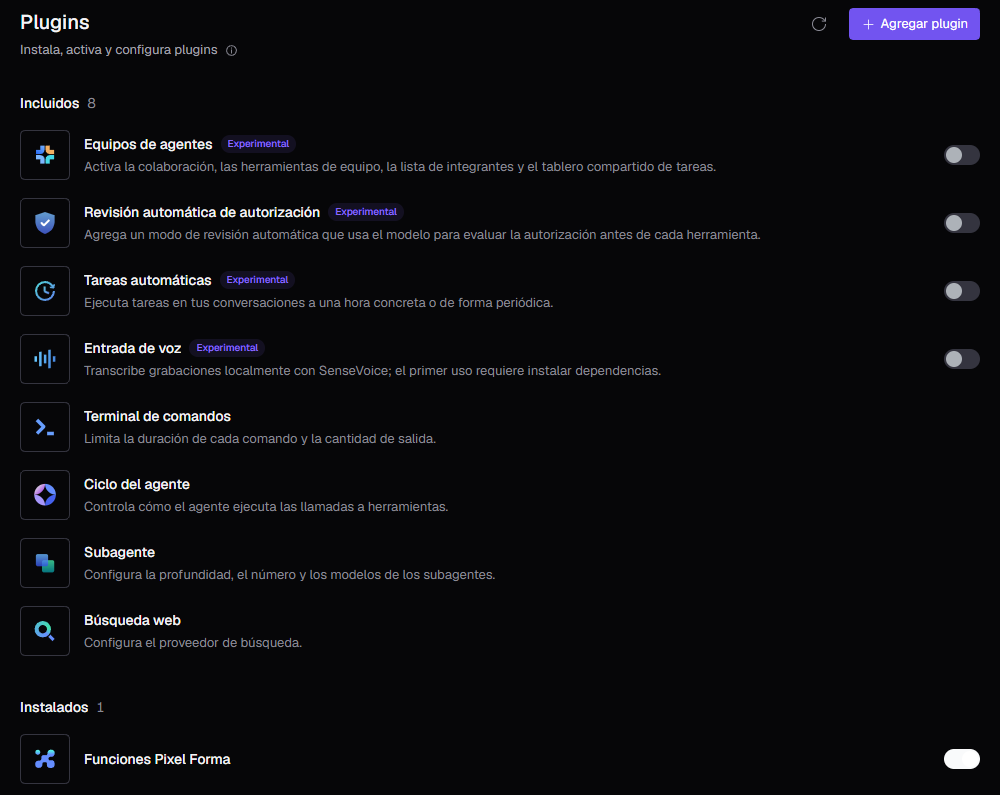
Agent teams, scheduled tasks, voice, web search, subagents and more.
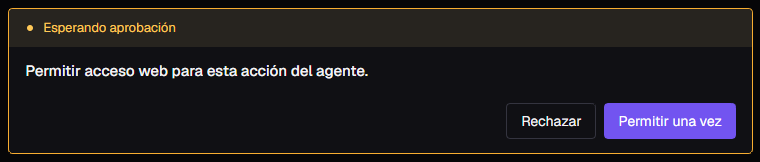
Before it opens a page, the agent asks: allow once or decline.
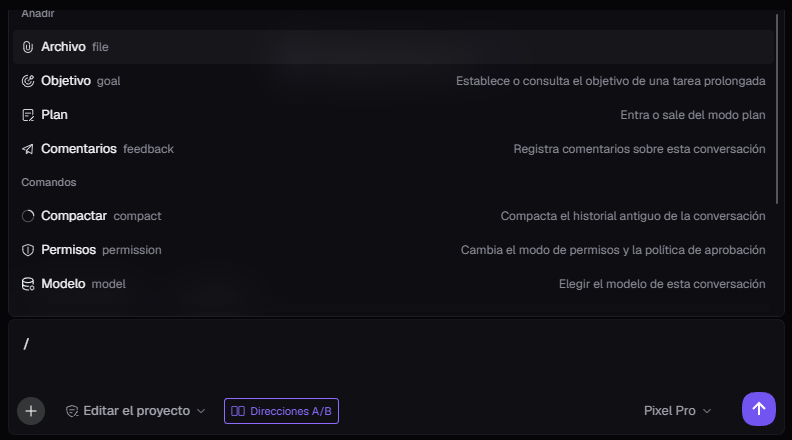
Goal, plan, compact, permissions or model, without leaving the composer.
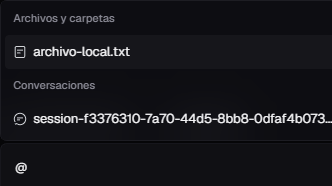
Bring a file, a folder or an earlier conversation into context.
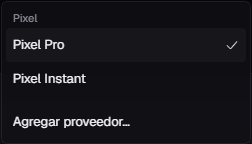
Providers you add in Settings → Models use your key and do not spend the battery.
real screenshotPixel Forma 0.1.0 with test data. The app interface is in Spanish.
Forma uses the same account and the same battery as pixel.ceo and Pixel Code. You sign in in your browser and come back to the app. The battery recharges every 5 hours and every week.
Press «Continuar en el navegador» (continue in the browser), confirm the code on pixel.ceo and you are in.
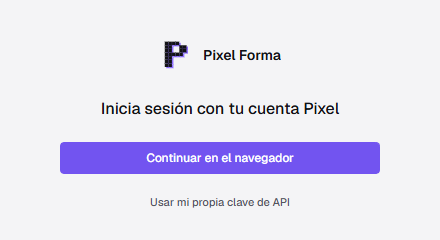
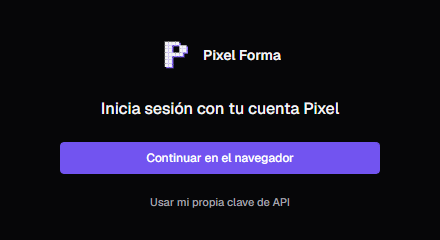
See how much is left of the 5 hours and of the week, and when it recharges.
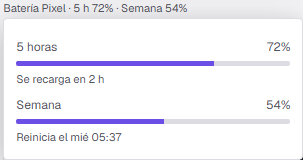
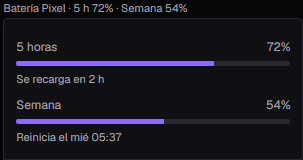
real screenshotPixel Forma 0.1.0 with test data. Battery plans and prices at code.pixel.ceo ↗
The first beta is for Windows x64. Mac and Linux come later.
The beta installer does not carry a Windows certificate yet, so SmartScreen may show «Windows protected your PC». To continue:
Updates are signed with our key. The app checks the signature and the checksum of every package before installing it, and rejects any that does not match.